When you hire a meeting room by the hour, you get a closed, quiet, equipped space. That setup serves many purposes beyond standard meetings: here are twelve uses, along with the details to check on each room listing before you book.
1. Interview a candidate
Hiring a room gives you neutral ground when your company has no office in the candidate's city, or when the role remains confidential internally. Check the listing for a capacity of two to four people, a closed door, and an address that is straightforward for your guest to find.
2. Record a podcast
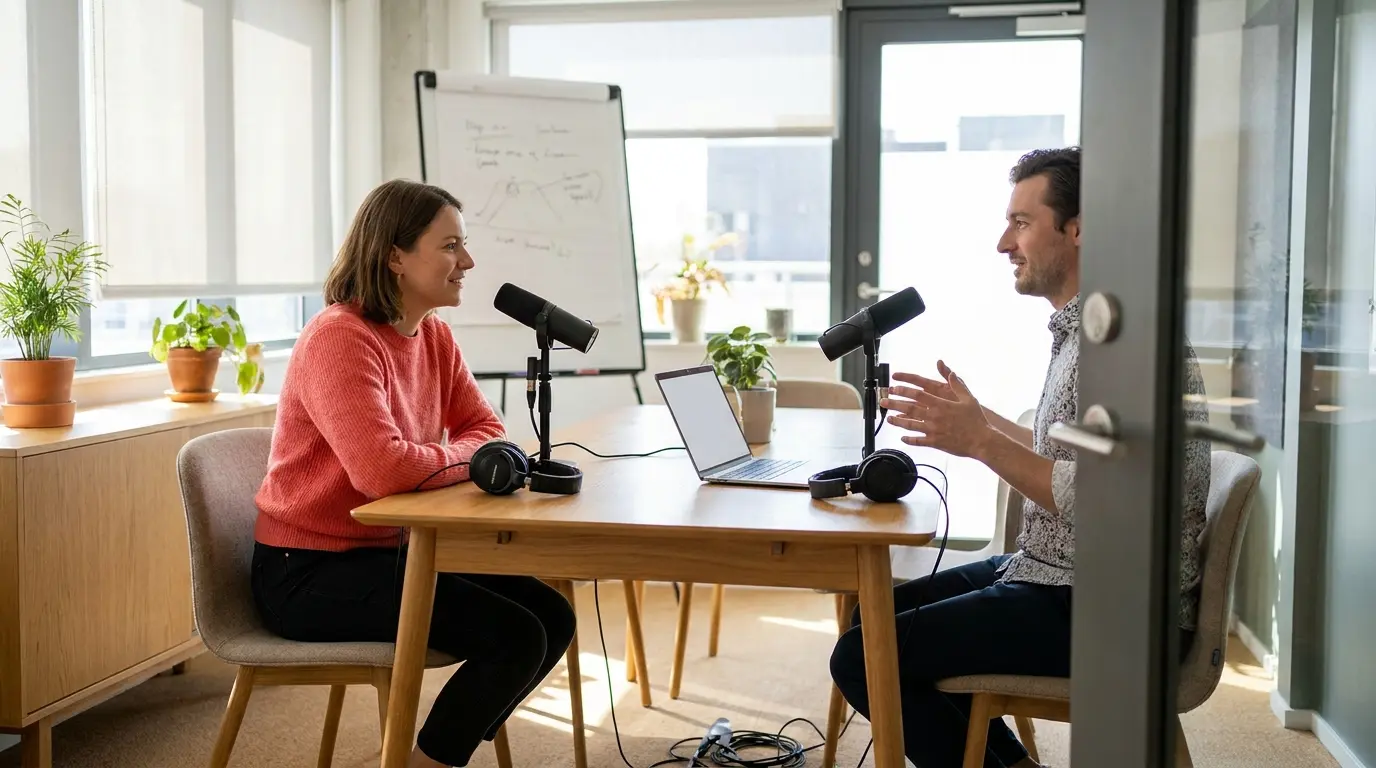
Recording requires a quiet, closed room, a table for several microphones, good lighting, and a clean background, leaving the neighbour's dog safely off the audio track. According to Edison Research on 17 July 2026, 72% of weekly podcast consumers in the UK watch video in 2026, up from 58% in 2023. Visuals matter as much as sound.
3. Sit an online exam or certification
Some remotely proctored exam programmes explicitly accept a meeting room for candidates sitting a test.
"Your office, conference room, or space must be walled, have a closed door, and be free from disruptions."
Source: Microsoft Learn, 23 July 2026
Nobody else may enter the room during the test. By contrast, the generic Pearson VUE guidance lists offices among prohibited public spaces. Depending on the programme, a closed room where you are alone may suit: check your exam rules before booking.
4. Sign a deal on neutral ground
Signing a business sale, a commercial lease, or a shareholders' agreement works well on neutral territory rather than at either party's premises. Check that the listing includes a large screen so everyone in the room can review the final document together before signing.
5. Run a small training session
Booking an external room keeps your small group away from the everyday interruptions of your usual workplace. Check the room listing for the exact seating capacity, a screen or projector, and a flipchart so everyone can follow the material comfortably.
6. Rehearse a pitch in real conditions
Practising on your feet in front of a screen recreates the exact setup of presentation day, sparing you an accidental audience of colleagues who already know your jokes. Check the listing for a screen and the right cables or wireless connections for your laptop.
7. Hold a difficult conversation
Resolving a disagreement, mediating between business partners, or clearing the air calls for neutral ground away from the gaze of colleagues. Check the listing to ensure the space has solid walls and a closed door.
8. Hold an annual review with a remote team member
Teams without a shared office benefit from meeting face to face once a year, either halfway between locations or in the team member's home city. Look for a small, quiet room with a closed door on the listing so you can talk privately.
9. Take the video call that matters
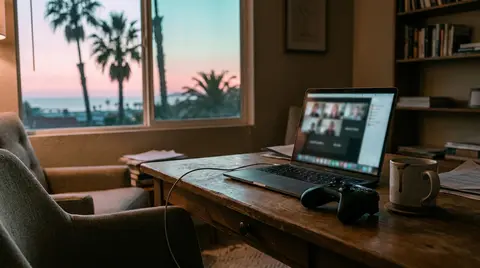
Pitching to a prospective client, an investor, or a selection panel requires calm, a stable connection, and a plain background, far from noisy coffee machines or doorbell deliveries. Check the room listing for Wi-Fi details and dedicated video conferencing equipment.
10. Lock yourself away for a day of focus
Finishing a major report, a dissertation, or an annual budget requires a closed door and zero interruptions, a rare combination at home or in an open-plan office. Check the listing for natural daylight, mentioned when the room has it.
11. Host a club or residents' meeting
Gathering a local club or a residents' association works smoothly in a hired space when nobody's living room is quite big enough. Check the listing for the right seating capacity and a screen to display the agenda or accounts clearly to all attendees.
12. Run a workshop with a client
Running a design workshop, a project sprint, or a retrospective benefits from a setting that takes both teams out of their daily routines. Check the listing for plenty of wall space for sticky notes and a flipchart to capture ideas as you work.
Frequently asked questions
Can I book a meeting room just for myself?
Yes, nothing obliges you to fill every seat in a space. Simply select the smallest room that suits your task, whether for focus, an online exam or an important video call.
What equipment comes with a meeting room?
On workin.space, a meeting room generally includes Wi-Fi, a screen, a flipchart, and water. Additional features such as video conferencing hardware, a projector, or natural daylight vary from one space to another. You can check the exact equipment provided on each individual room listing before you book.
Can I sit an online exam in a hired room?
Yes, depending on the testing body: some programmes allow hired meeting rooms while others forbid them. Read the specific rules for your certification before booking to make sure the venue complies. If permitted, choose a room where you will be completely alone behind a closed door without interruptions.
You can compare the rooms available in your city using our search tool or browse a dedicated city page such as London. If you have a recurring requirement or need rooms across several locations, we can help you organise options through a custom request.